Configure taxes (TaxType and TaxRate)
SAP-style tax model in contable.io: TaxType as category and TaxRate as specific rate with chart-of-accounts mapping.
Updated: April 5, 2026
contable.io models taxes with a two-level structure inspired by SAP: the category (TaxType) and the specific rate (TaxRate). This lets you group related rates, inherit accounts, and model complex realities like origin-specific VAT, withholding by concept, or municipality-specific ICA without duplicating configuration.
Coming from the old model? Previously a single “Tax type” record mixed category and rate. Now each category can have multiple rates. Automatic migrations converted your existing taxes to this model with no data loss.
The model in one picture
TaxType (category)               TaxRate (specific rate)
─────────────────                ────────────────────────
VAT                              ├── 19% General
                                 ├── 5% Differential
                                 ├── 0% Exempt
                                 └── Excluded

ReteFuente                       ├── Fees 11%
                                 ├── Services 4%
                                 ├── General purchases 2.5%
                                 └── Self-withholding 0%

ReteICA Bogotá                   ├── Commercial 11.04 ‰
                                 ├── Industrial 4.14 ‰
                                 └── Services 9.66 ‰
Each TaxType defines default chart-of-accounts mappings (sales, purchases, returns). Each TaxRate inherits those accounts but can override any of them when needed.
TaxType: the category
A TaxType groups rates that share fiscal nature and, usually, accounts.
| Field | Description |
|---|---|
| Name | Visible label (e.g. “National VAT”) |
| Code | Short identifier (e.g. IVA, RTF, ICA) |
| Fiscal type | IVA, RETENTION, OTHER |
| Application | Sales, purchases, both |
| Sales account | Account for tax on sales (e.g. 240801) |
| Purchase account | Account for tax on purchases (e.g. 240802) |
| Sales return account | Account for credit notes on sales |
| Purchase return account | Account for credit notes on purchases |
TaxRate: the rate
A TaxRate is what actually gets applied to an invoice line.
| Field | Description |
|---|---|
| Parent TaxType | Which category it belongs to |
| Name | Rate label (e.g. “VAT 19% General”) |
| Percentage | The number applied (e.g. 19, 5, 0) |
| Valid from / to | For limited-validity rates |
| Accounts (override) | Only if it needs different accounts than the parent |
Inheritance: if the TaxRate doesn’t specify accounts, it uses the TaxType’s. This avoids duplicate configuration when all rates share accounts (the typical case).
When you need two distinct TaxTypes
The system does NOT decide via hardcoded logic which account to use. If your accounting needs to separate tax movements into different accounts, create two TaxTypes, not two TaxRates.
| Need | Solution |
|---|---|
| National VAT in 240801 vs Import VAT in 240803 | Two TaxTypes: “National VAT” and “Import VAT”, each with its account. Assign the right one to each product. |
| ReteFuente fees in 236505 vs ReteFuente purchases in 236540 | Two TaxTypes (or one TaxType with two TaxRates with account override). Cleanest: two TaxTypes. |
| ICA per city (different accounts in 236805) | One TaxType “ICA” per city, each with its account and TaxRates per activity. |
When several TaxRates are enough
If rates share accounts and only the percentage changes, use one TaxType with several TaxRates:
- VAT with rates 19%, 5%, 0% → one “VAT” TaxType with three TaxRates.
- ReteFuente by concept all going to account 236540 → one “ReteFuente” TaxType with rates per concept.
Assigning to products
In Inventory → Products, each product has two optional fields:
- Sales tax type (default TaxRate on sales invoices).
- Purchase tax type (default TaxRate on purchase invoices).
When the product is added to an invoice, the system uses these as a suggestion and applies the corresponding accounts (TaxRate override > parent TaxType).
Account resolution on an invoice line
1. Product has tax_rate_id (sales or purchase depending on doc).
2. TaxRate has its account override or inherits from the parent TaxType.
3. The auto-posting uses that account directly.
4. If TaxRate and TaxType are empty → fallback to resolve_iva_subcuenta()
with native Colombia fiscal logic.Create a TaxType
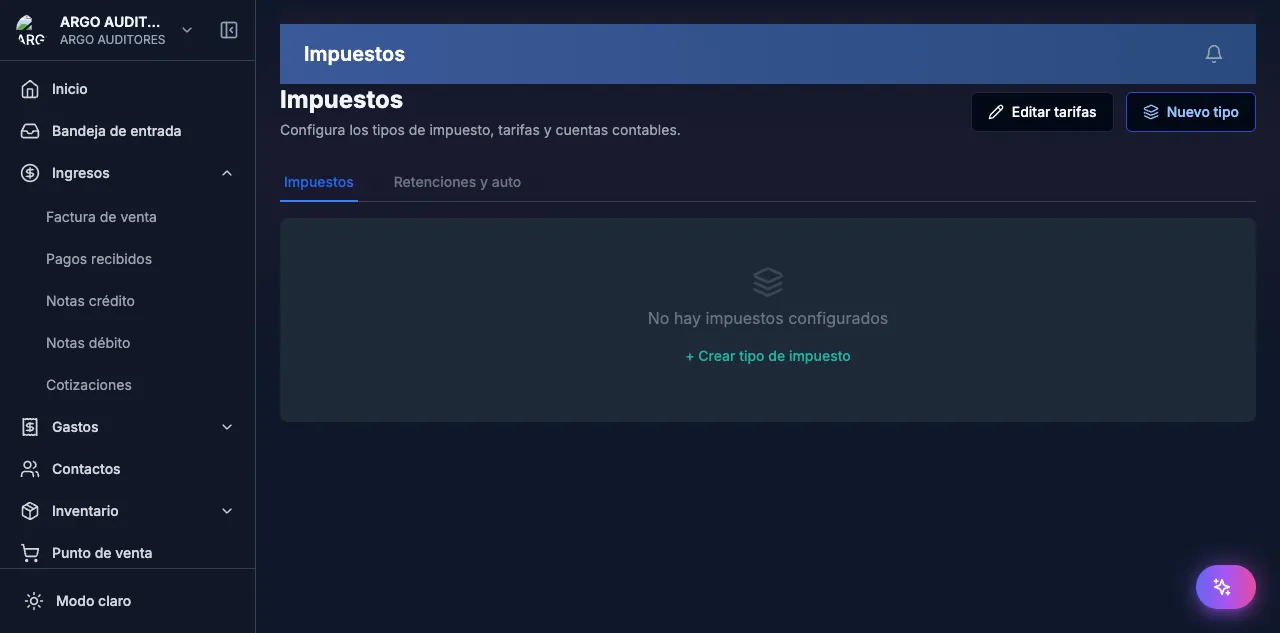
- Go to Settings → Taxes → Tax types.
- Tap + New type.
- Pick fiscal type (
IVA,RETENTION,OTHER). - Assign accounts (search by PUC code).
- Save.
Create a TaxRate
- Open the parent TaxType.
- On the Rates tab, tap + New rate.
- Set name, percentage and validity if applicable.
- If this rate needs different accounts than the parent, check “Override accounts” and pick them.
- Save.
Mental migration from the old model
If you’ve used contable.io for a while, there used to be a single record per tax. Each one became:
- A TaxType with the same account configuration.
- A child TaxRate with the same percentage.
Your products keep working because they now point to the TaxRate (not the TaxType directly). Tax reports and automatic postings stay identical. The only change is that you can now create more rates inside the same TaxType without duplicating the header.
Common errors
- “VAT is hitting the wrong account”: check the product’s TaxRate. The effective account is
TaxRate.account_override ?? TaxType.account. If wrong, fix the TaxRate or the TaxType, not the product code. - “I can’t delete a TaxType”: it has TaxRates attached or products assigned. First migrate products to another TaxRate and delete the children.
- “My rates duplicated after the migration”: the migration converted each old tax into TaxType + TaxRate. If you see visual duplicates, they’re the header and the rate — not the same record.